Asset Register Development
Structure project-defined equipment and asset records around required identification fields.
Structure, connect and validate equipment and asset information inside BIM workflows — supporting asset registers, equipment tagging, parameter management, location mapping, system relationships, document references and lifecycle facility information.
Construction BIM often contains equipment geometry, but facility teams may require much more than a visual representation.
Asset information management connects selected model objects with project-defined identifiers, equipment data, location information, system relationships and supporting records.
This creates a more structured foundation for digital handover, facility management, lifecycle information and future Digital Twin workflows.
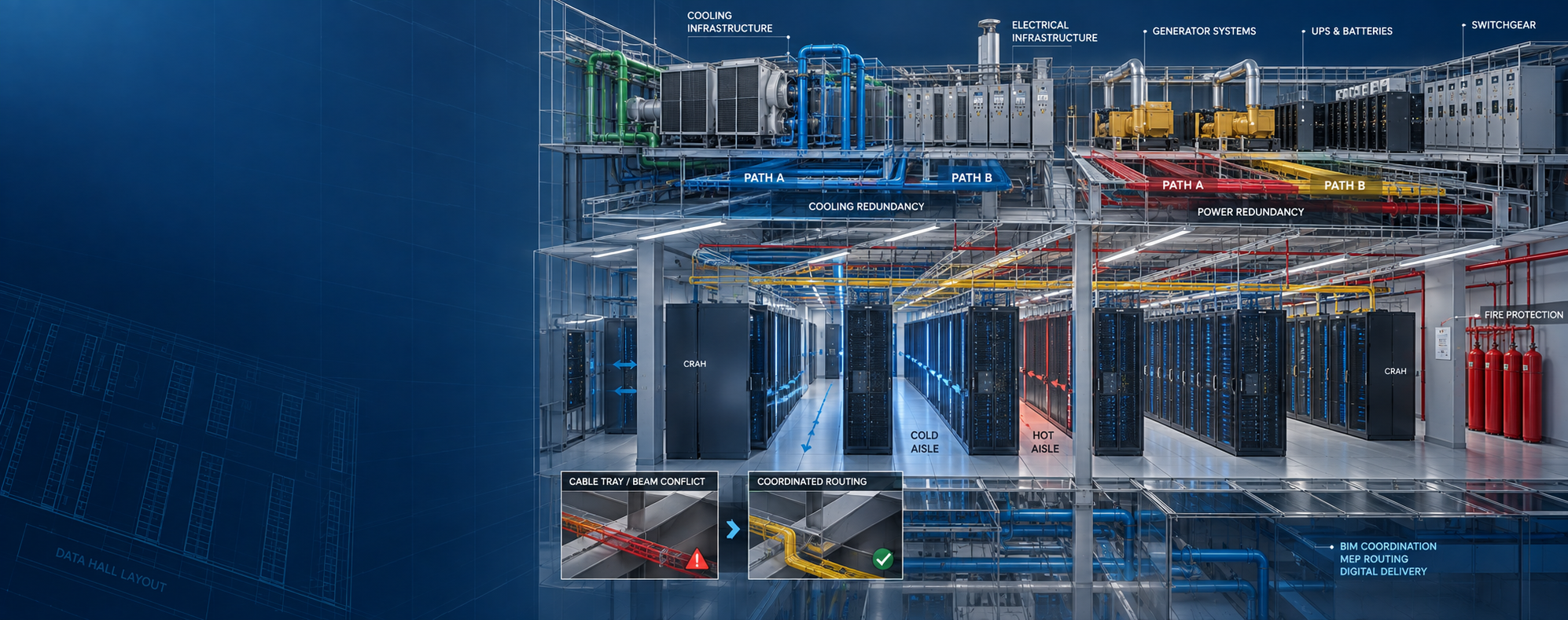
Asset scope can be defined by equipment category, facility system, owner requirements, information fields, handover requirements and downstream platform use.
Structure project-defined equipment and asset records around required identification fields.
Associate defined asset IDs or equipment references with relevant model objects.
Organize required asset information within agreed BIM parameter structures.
Connect assets with buildings, levels, rooms or defined facility zones.
Organize assets according to project-defined mechanical, electrical or facility systems.
Connect project-defined manuals, submittals, warranties or related records to asset information.
Review required identifiers, parameters, locations, system mapping and information completeness.
Review inconsistent, duplicated or incomplete asset information against agreed requirements.
Prepare agreed model-linked asset information for downstream facility workflows.
Equipment geometry may exist in BIM, while critical operational information remains missing, duplicated, inconsistent or linked to the wrong asset.
Facility asset information should therefore be checked independently from geometric model completeness.
Confirm required assets, fields, systems and handover requirements.
Identify relevant BIM objects and project-defined maintainable assets.
Establish asset IDs, parameter fields and required information structures.
Add supplied asset information to the intended records and model objects.
Check IDs, locations, systems, required fields and completeness.
Prepare agreed asset information for facility or downstream technology workflows.
Facility equipment changes over time. Assets are replaced, relocated, upgraded, decommissioned or assigned new operational information.
A lifecycle information strategy should therefore define how asset records remain synchronized with changes in the physical facility.
Asset data is only useful when the required information is complete, consistent and associated with the correct equipment.
QA can review asset IDs, model links, required fields, location, systems, document references and duplicate records before handover.
MEP Global Engineering can support asset data structuring, model-to-asset mapping, parameter population, location mapping, system mapping, document association and information QA.
CMMS, CAFM, IWMS, ERP, BMS, IoT, maintenance scheduling, work-order management and real-time operational software remain separate platforms and integration scopes.
Facility maintenance decisions, equipment servicing, safety-critical actions and operational procedures remain with the responsible owner and facility teams.
BIM asset management structures facility and equipment information around selected BIM objects so assets can be connected with identifiers, locations, systems, attributes and relevant records.
Depending on project requirements, information can include asset ID, asset type, manufacturer, model reference, serial reference, building, level, room, system, warranty references and document information.
Yes. Project-defined asset identifiers can be associated with relevant model objects where the BIM and asset scope are suitably structured.
Yes. Location information can be structured around project-defined buildings, levels, rooms, spaces or facility zones.
Yes. Supplied O&M manuals, warranty records, submittals and related documentation can be referenced within the agreed asset-information workflow.
No. BIM asset management prepares structured model and asset information. CMMS, CAFM, IWMS and other operational platforms provide separate facility-management functionality and may require project-specific integration.
Share your BIM models, asset registers, equipment schedules, owner requirements, O&M records and intended facility-data outputs.